


VolleyView™
Run live matches, track rotations, manage substitutions, and share a spectator scoreboard on external displays with coaching tools built in.
NEW RELEASE – v2.0
Team Access for Parents & Players
Deliverables
- Live Volleyball Match Management
- Rotation & Lineup Tracking
- Player & Team Management
- Match Archive & Detailed Player Stats
- Team Schedule of Practices & Tournaments
- Team Sharing with QR Code
- Manage Sharing Requests and Access
Other
- iOS 26.2
- Native SwiftUI Application
- App Store Connect
- Test Flight
- CloudKit
Version 2.0
Project Info
Challenge
Volleyball coaches often manage live matches using a mix of memory, paper lineups, verbal communication, and manual scorekeeping, making it difficult to track rotations accurately, monitor serving order, manage substitutions, and capture player participation in real time. During fast-paced matches, missed rotations, lineup confusion, score disputes, and limited visibility for players, parents, and spectators can create unnecessary stress and distraction. Most tools available focus only on scorekeeping or statistics, leaving coaches without a simple all-in-one solution built specifically for live match management and the realities of coaching on the sideline.
Solution
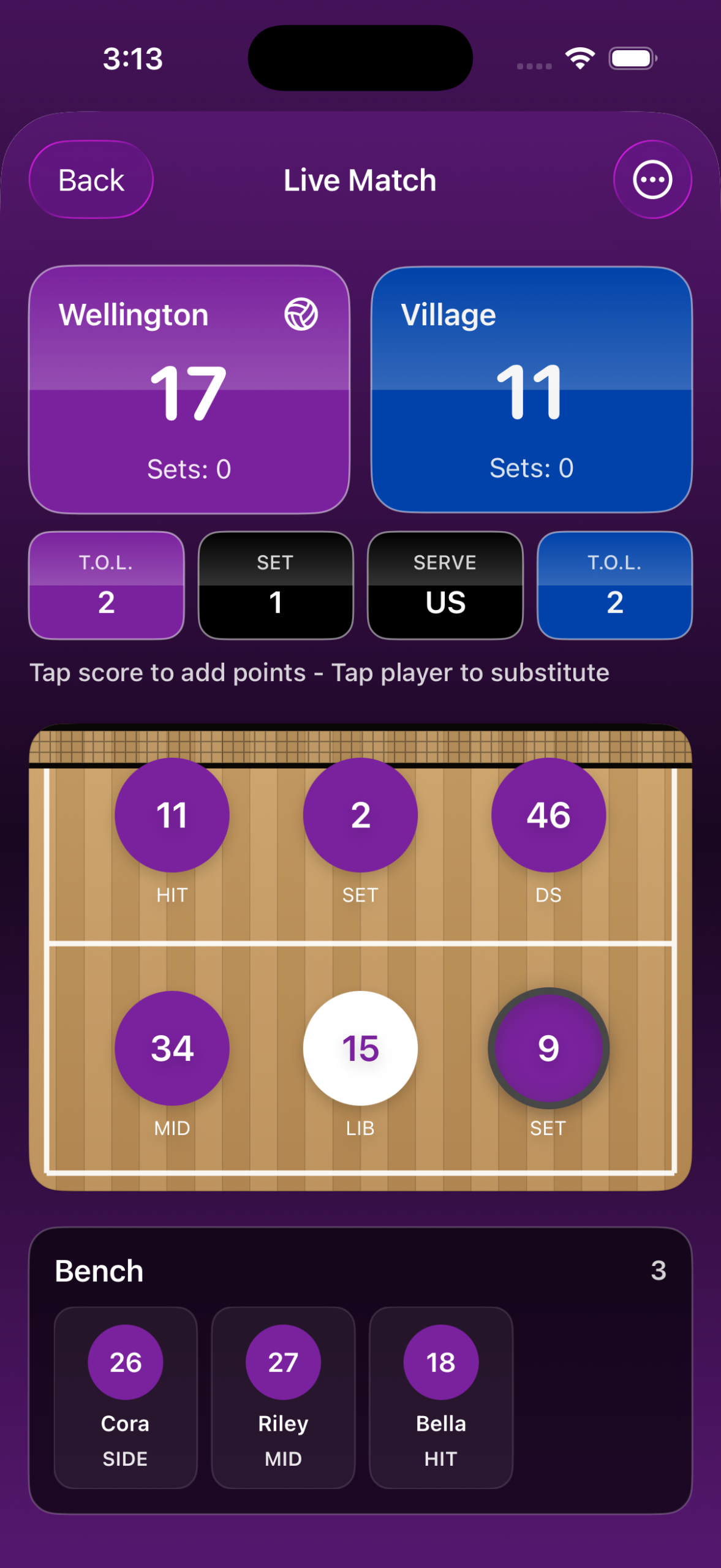
VolleyView solves these challenges by giving coaches a single courtside tool to run live matches, track rotations, manage lineups and substitutions, monitor player participation, and present a fan-friendly external scoreboard from one app. Built specifically for volleyball, the app reduces match-day errors, improves coaching efficiency, and makes game management faster and more organized, while preserving match history and player data for review. By combining live scoring, rotation tracking, team management, and spectator display tools in one streamlined experience, VolleyView helps coaches focus less on logistics and more on coaching the game.
The logo and branding was the biggest challenge. Every version we originally created looked too much like a “W” when we used two “V”s in any way together. Then we found the design solution – by stacking two “V”s vertically on top of each other.
User-Centered Experience Design
Prioritizes the needs of coaches, players, and spectators to improve usability, reduce errors, and enhance the match experience for everyone involved.
App Design + Development
Run the Match. Track Every Rotation. Connect the Whole Team.
VolleyView is a volleyball coaching and team-management app built to help coaches run live matches, manage rotations, track player participation, and keep players and families connected.
Designed with coaches in mind, VolleyView combines live scorekeeping, lineup and rotation management, scheduling, attendance, match history, and a spectator-friendly external scoreboard in one streamlined app.
With VolleyView 2.0, coaches can securely share team information, invite players and parents, manage access, publish rosters and schedules, and collect event RSVPs. Approved team members can follow their team, view updates, and stay connected from their own devices.
FEATURES:
- Live Match Scoring
Track points, sets, serving, timeouts, and match activity in real time with fast controls designed for the sideline. - Rotation & Lineup Management
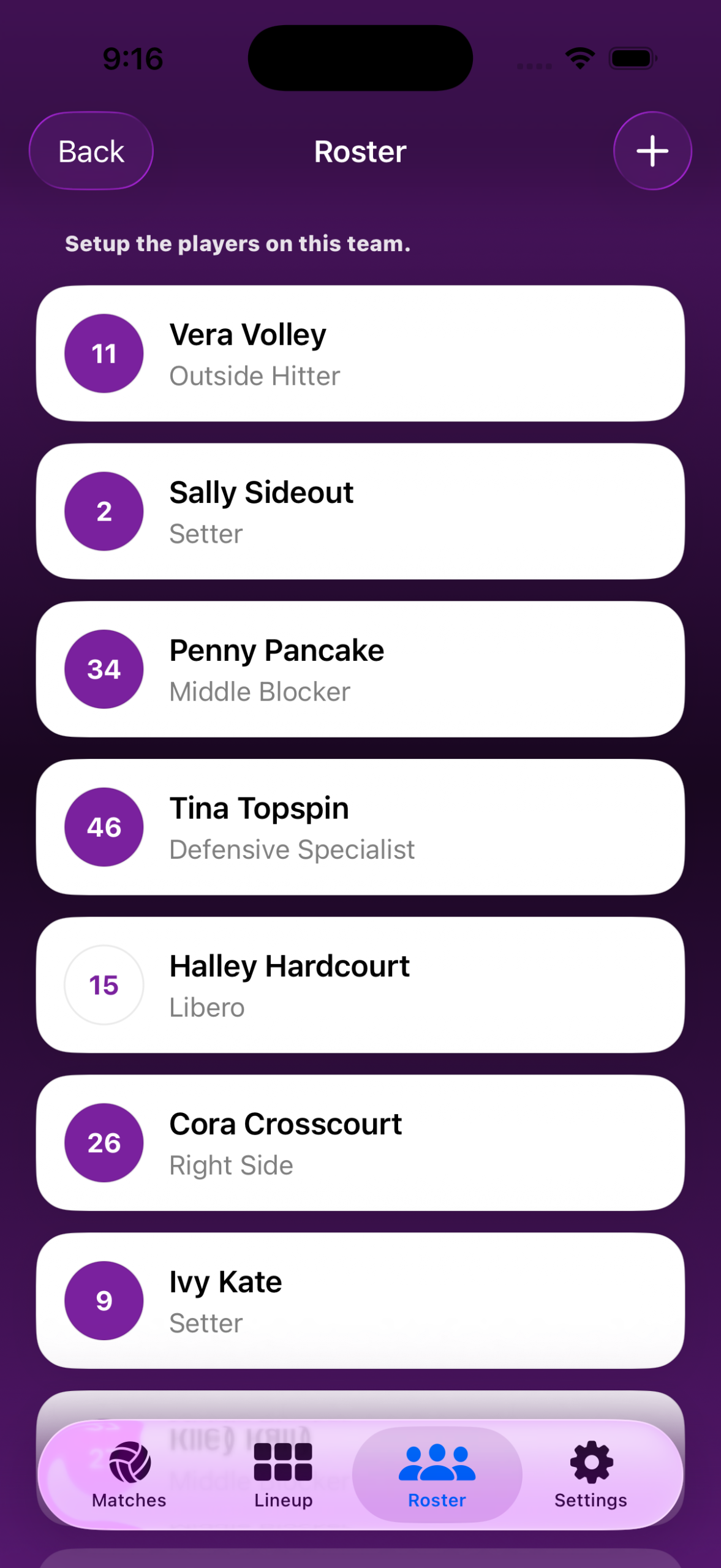
Build starting lineups, monitor court and bench rotations, manage substitutions, track serves, and support libero workflows throughout each match. - Team & Roster Management
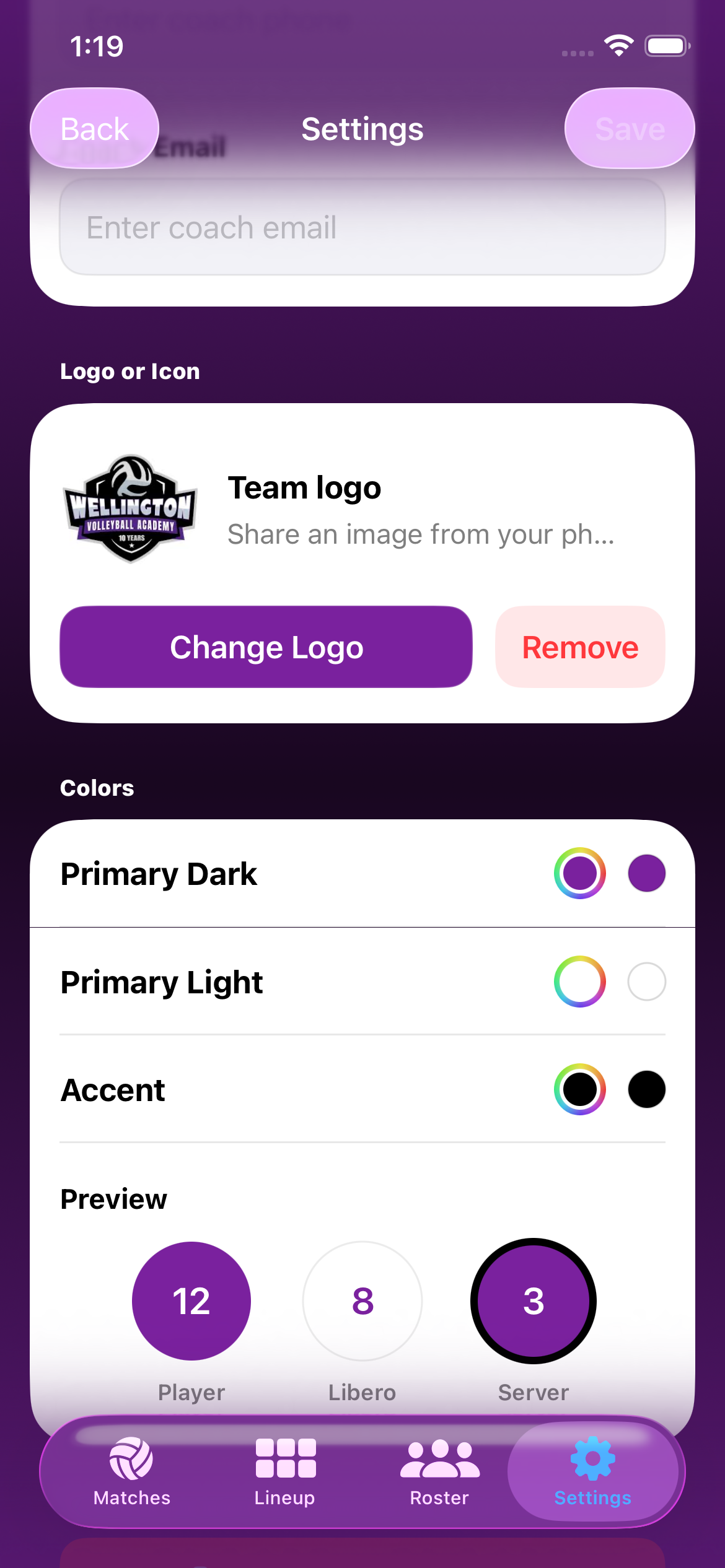
Create teams, organize player rosters, add player and family contact details, save photos, customize team branding, and manage multiple teams in one place. - Team Scheduling & Attendance
Schedule practices, games, tournaments, meetings, and activities. Track Yes, No, and Unknown responses while reviewing attendance totals and player attendance percentages. - Team Sharing & Cloud Sync
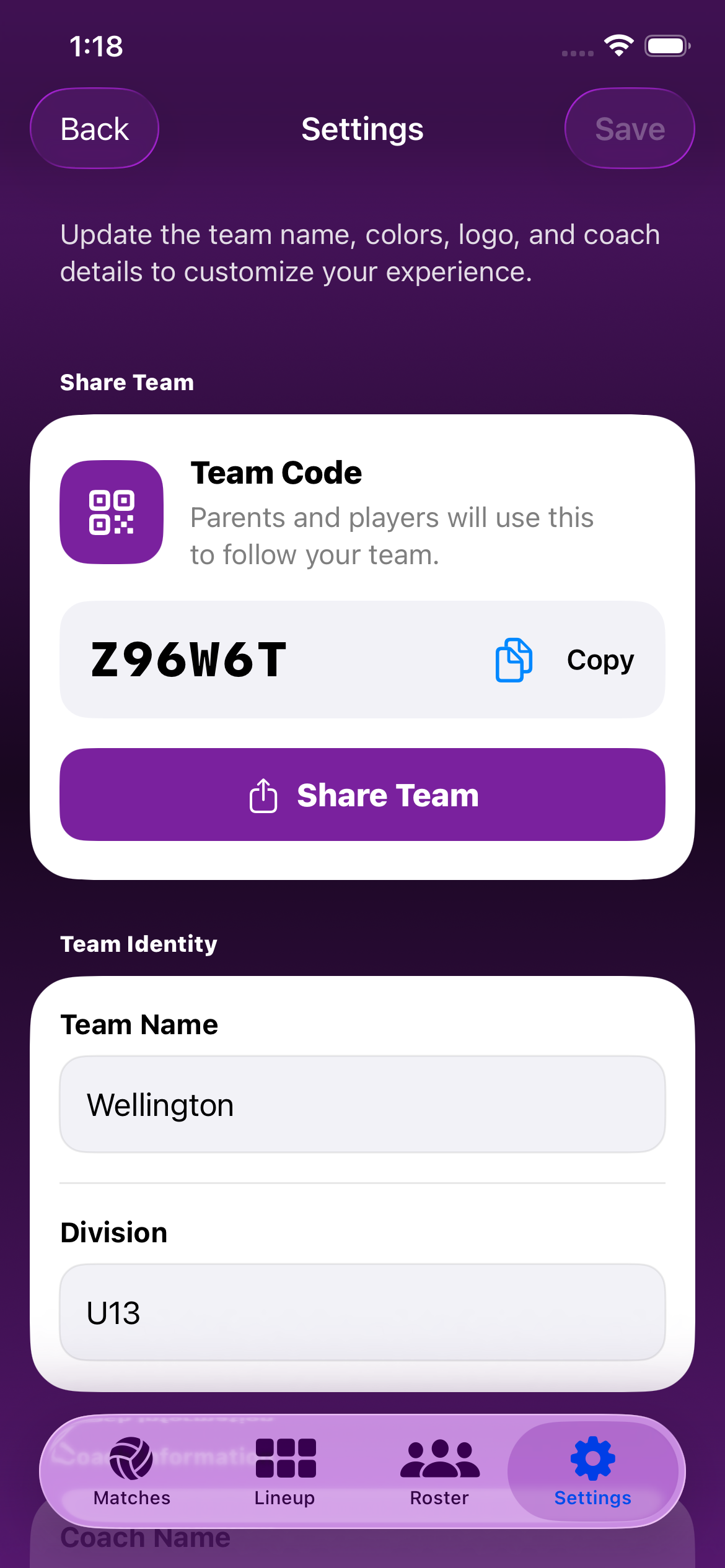
Share rosters, starting lineups, schedules, team information, and completed match results with approved players, parents, and guardians across their own devices. - Team Codes & QR Invitations
Invite team members using a shareable team code or QR invitation that helps players and families find the correct team and request access. - Coach-Managed Team Access
Review and approve incoming requests, deny or deactivate access, and link each user to one or multiple players—including siblings on the same team. - Parent & Player Team Experience
Approved team members can view shared rosters, lineups, schedules, player details, and match results while responding to upcoming events. - Match Archive & Player Statistics
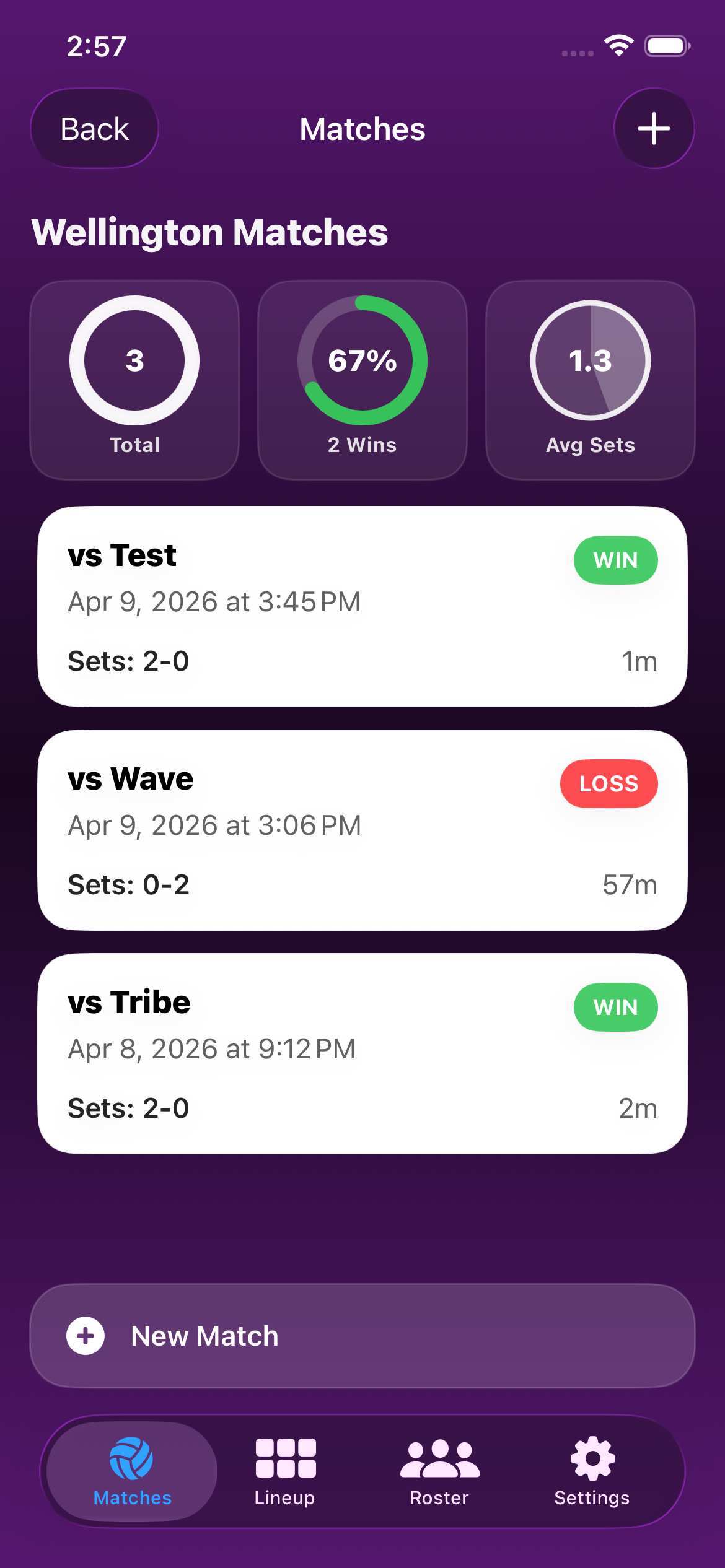
Automatically save completed matches and review set results, substitutions, rotations, serves, player participation, and historical match data. - External Scoreboard Display
Present a spectator-friendly live scoreboard on a TV or external display while controlling the match from your device. - Coach Workflow Tools
Reduce match-day errors with undo actions, score corrections, serving-order tracking, between-set lineup changes, and streamlined sideline controls.